错误:“Failed to expand HAP file” / “Unable to load vas.DLL Error code: -122”#
问题#
在创建 VisualApplets .hap 文件并尝试在另一台计算机上运行该文件时,可能会显示以下错误消息:
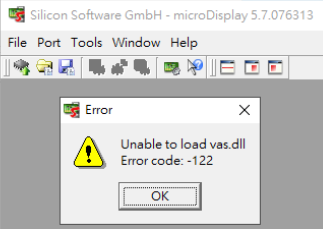
- 在 microDisplay: “无法加载 vas.dll,错误代码:-122”
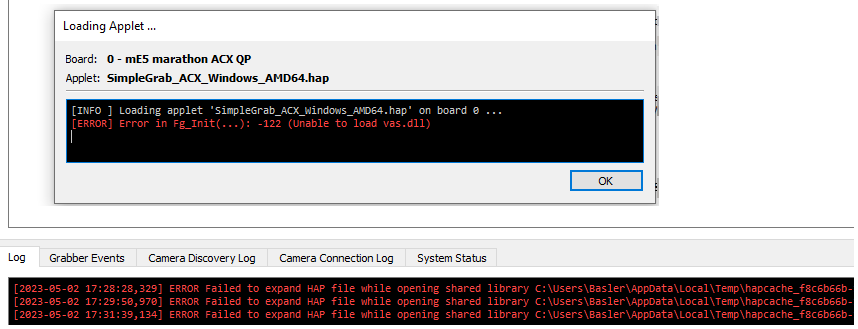
- 在 microDisplay X: “ERROR Failed to expand HAP file while opening shared library …/vas.dll: The specified module could not be found.”
解决方案#
.hap 文件可能是使用较旧的 Windows 版本创建的,然后运行在较新的 Windows 版本上(例如 Windows 10)。
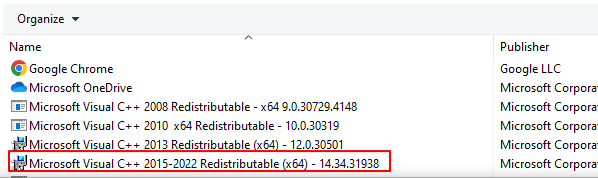
安装“Microsoft Visual C++ 2015-2022 Redistributable (x64)”软件包即可解决该问题: